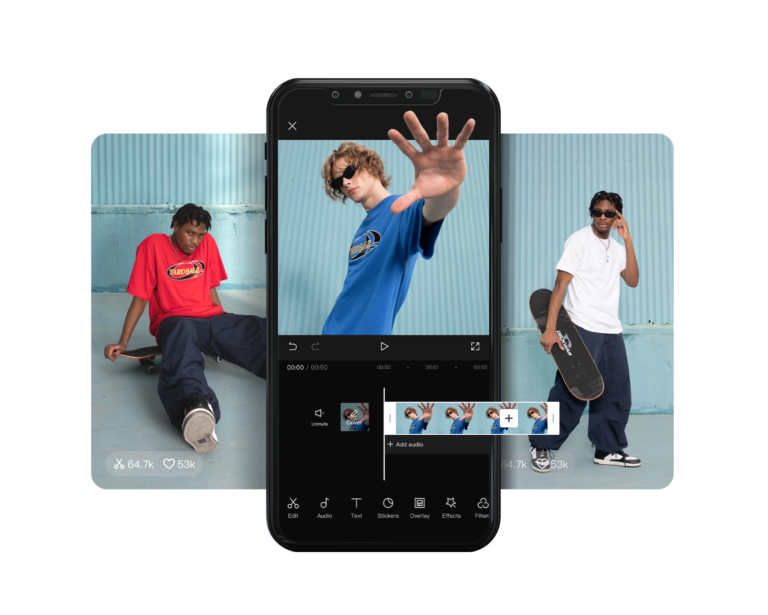

CapCut has emerged as a top choice for video editing, favored by content creators across platforms like TikTok, YouTube, and Instagram. With the CapCut Premium subscription, users gain access to exclusive tools, effects, and resources for professional-quality video editing. If you’re wondering, “How much is CapCut Premium?” this article will break it down for you.
What Is CapCut Premium?

CapCut Premium, also referred to as CapCut Pro, is the paid version of CapCut that unlocks a range of advanced features. Here’s what makes it a must-have:
- No Watermark: Remove the CapCut logo for professional videos.
- Exclusive Effects & Filters: Access premium effects, transitions, and advanced filters.
- High-Quality Export: Export videos in 4K without limitations.
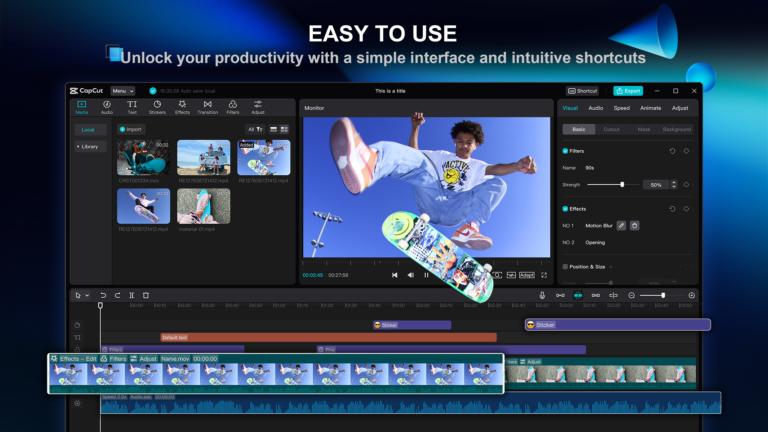
- Enhanced Editing Tools: Enjoy features like advanced stabilization, AI noise reduction, and speed ramping.
How Much Is CapCut Premium?

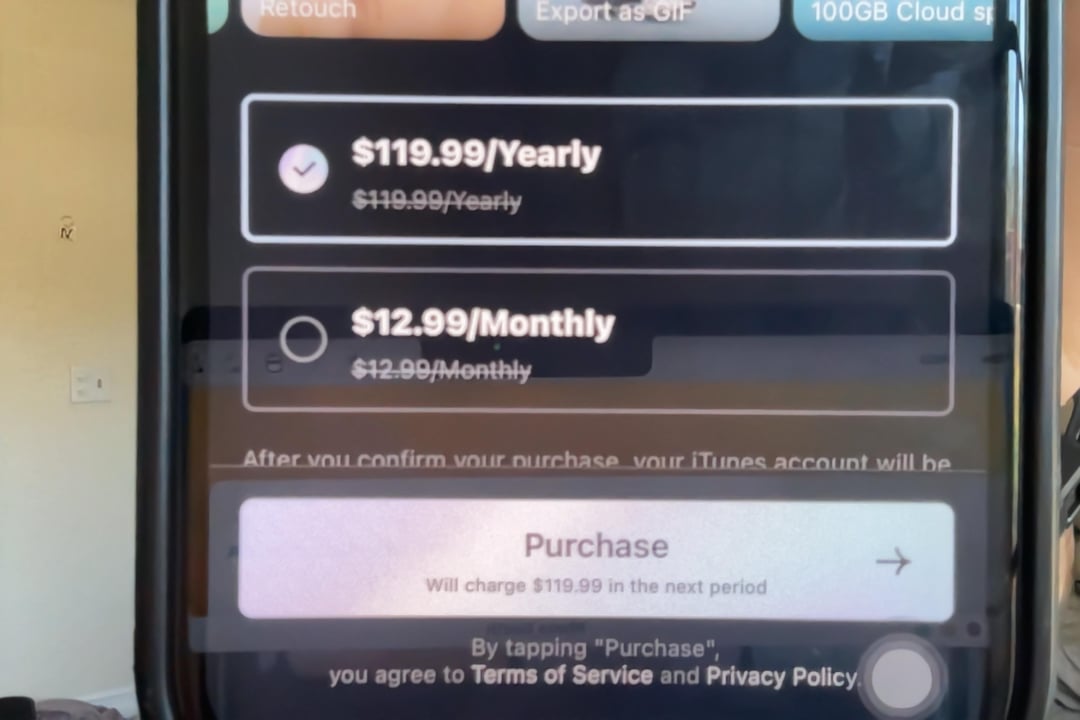
The cost of CapCut Premium varies based on your region, subscription duration, and the platform you’re using. Typically, the pricing structure is:
- Monthly Subscription: ~$9.99 per month
- Annual Subscription: ~$49.99 per year (approximately $4.17 per month when billed annually)
Prices may vary slightly depending on currency conversions and regional offers.
Where Can You Purchase CapCut Premium?

CapCut Premium subscriptions can be purchased directly from:
- In-App Purchase: Available via app stores like Google Play Store or Apple App Store.
- Authorized Resellers: Trusted platforms like Centrix Software offer CapCut Pro accounts at competitive rates.
Why Choose Centrix Software?
- Affordable Pricing: Get CapCut Premium at discounted prices.
- Official Accounts: Access authentic and secure accounts.
- Fast Support: Receive assistance for any issues quickly.
👉 Check CapCut Premium Deals Here
Is CapCut Premium Worth It?
Absolutely! If you’re serious about video editing, upgrading to CapCut Premium is a game-changer. Here’s why:
- For Content Creators: Create high-quality videos without watermarks to maintain a professional image.
- For Small Businesses: Leverage premium templates for promotional content that stands out.
- For Casual Users: Unlock fun and creative tools for personal video projects.
Tips to Make the Most of CapCut Premium
Here are some tips to maximize your subscription:
- Experiment With Premium Features: Try exclusive effects and transitions to enhance your videos.
- Use High-Quality Exports: Always export in 4K for the best visual experience.
- Utilize Templates: Save time by customizing ready-made templates.
FAQ About CapCut Premium
1. Can I Try CapCut Premium for Free?
CapCut often offers a free trial for new users. Check the app for any trial promotions.
2. Can I Cancel CapCut Premium Anytime?
Yes, you can cancel your subscription anytime through the app store where you purchased it.
3. Is There a Lifetime Subscription Option?
Currently, CapCut Premium offers only monthly or yearly plans. For lifetime access, check with resellers like Centrix Software for deals.
Conclusion
So, how much is CapCut Premium? For just ~$9.99 monthly or ~$49.99 annually, you can unlock professional-grade video editing tools that make your content stand out. Whether you’re a casual user or a seasoned content creator, CapCut Premium offers tremendous value for its price.
👉 Upgrade to CapCut Premium Now and elevate your video editing experience!
Xem thêm: CapCut – Công Cụ Chỉnh Sửa Video Miễn Phí Và Mạnh Mẽ